PDF to Image
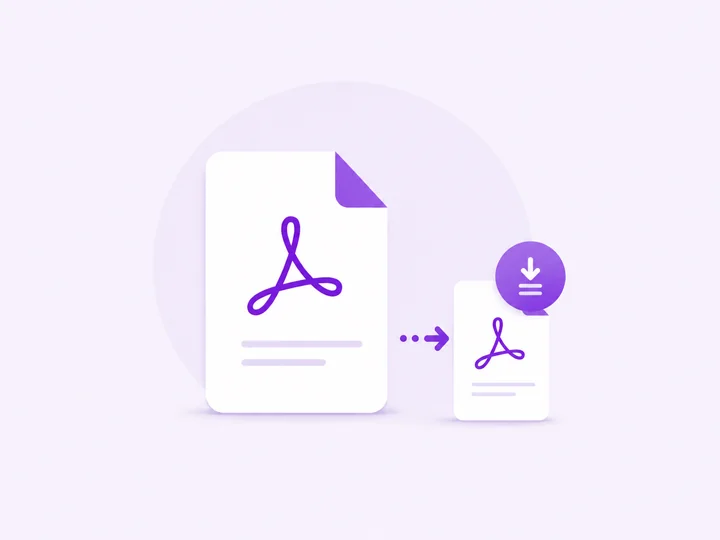
Convert PDF pages to PNG or JPG images. Supports multiple PDFs. All processing in your browser.
Drag & drop PDF files here, or
Select multiple PDFs
Converting pages...
Conversion Complete
How to convert PDF pages to images
-
Add your PDFs
Drop one or more PDFs into the box above, or click browse. Files stay on your device.
-
Pick PNG or JPG
Choose PNG for crisp text and transparency, or JPG for smaller photo-like pages.
-
Convert and download
Click Convert and download your page images, ready to share or edit.
PDF to Image — FAQ
You
Should I choose PNG or JPG?
PixelDocs
Pick PNG for documents with text, line art, or transparency — it stays pixel-crisp. Pick JPG for photo-heavy pages where a smaller file matters more than perfect sharpness.
You
Can I convert multiple PDFs at once?
PixelDocs
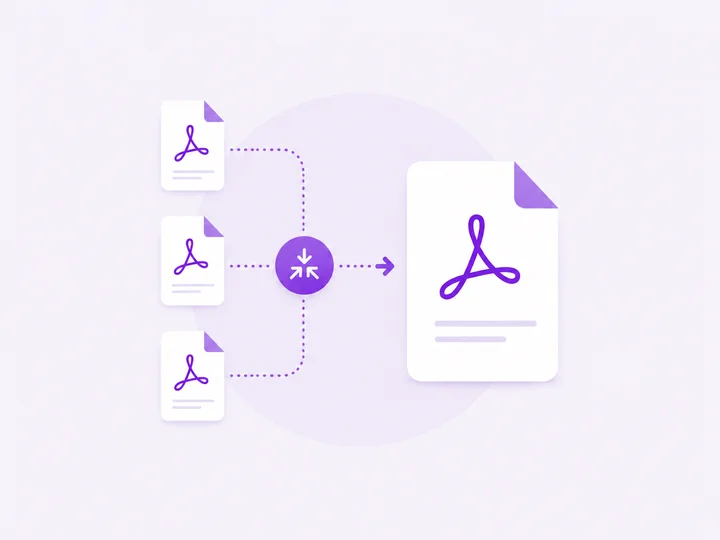
Yes. Drop in several PDFs and every page of every file is converted in one run, then download the resulting images.
You
Will the images keep full page quality?
PixelDocs
Yes. Pages are rendered at high resolution before export, so text stays readable and details stay sharp.
You
Are my PDFs uploaded to a server?
PixelDocs
No. Rendering happens entirely in your browser, so your documents never leave your device — no signup, no watermarks.