Image to PDF
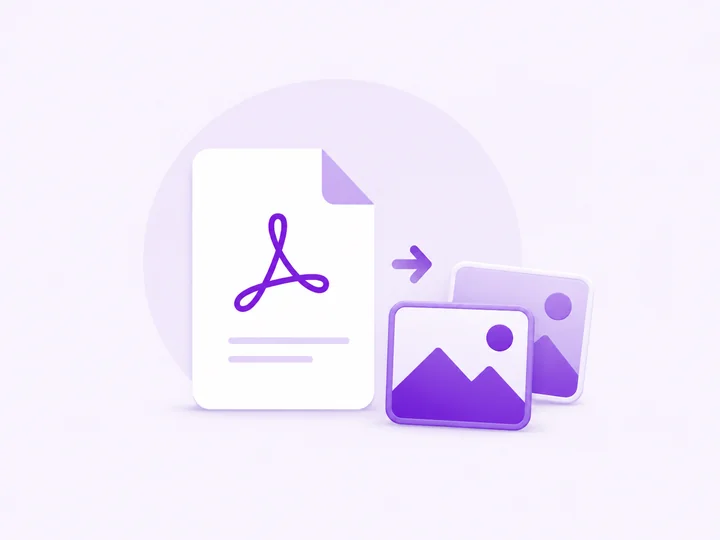
Convert your images (PNG, JPG, WebP) into a single PDF document. All processing happens in your browser.
Drag & drop images here, or
Supports PNG, JPG, WebP — select multiple
Creating PDF...
Conversion Complete
Download PDFHow to convert images to PDF
-
Add your images
Drop PNG, JPG, or WebP files into the box above, or click browse. Files stay on your device.
-
Order the pages
Arrange the images in the order they should appear as PDF pages.
-
Create and download
Click Convert and download a single PDF containing all your images.
Image to PDF — FAQ
You
Can I combine many images into one PDF?
PixelDocs
Yes. Add as many images as you need — each becomes a page in a single PDF document, in the order you arrange them.
You
Which image formats are supported?
PixelDocs
You can mix PNG, JPG, and WebP in one batch — every image lands in the same PDF.
You
Will my photos lose quality in the PDF?
PixelDocs
No. Images are embedded at their original resolution, so the PDF pages look exactly as sharp as your source photos.
You
Are my photos uploaded anywhere?
PixelDocs
No. The PDF is assembled entirely in your browser, so your images never leave your device — no signup, no watermarks.