Compress Image
Reduce image file size while preserving quality. Supports PNG, JPG, and WebP. All processing happens in your browser.
Drag & drop images here, or
Supports PNG, JPG, WebP — select multiple
80%
Compressing images...
Compression Complete
How to compress an image
-
Add your images
Drop one or more images into the box above, or click browse. Files stay on your device.
-
Set the quality
Move the quality slider until the preview balances size and sharpness, or pick the output format.
-
Compress and download
Click Compress and download the smaller images, ready for web, email, or sharing.
Compress Image — FAQ
You
Why does the quality slider do nothing for PNG?
PixelDocs
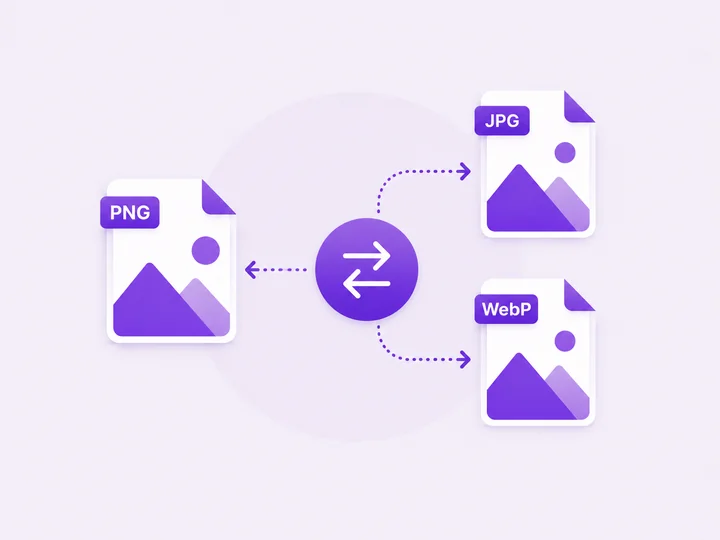
PNG is a lossless format, so browsers ignore the quality setting for it. In auto mode PixelDocs converts the PNG to JPG when you lower quality — the only way to actually shrink it. Choose PNG explicitly only when you need lossless output.
You
Which format gives the smallest file?
PixelDocs
Usually WebP, then JPG, then PNG. For photos, WebP at 80% quality is often half the size of the equivalent JPG with no visible difference.
You
Can I compress many images at once?
PixelDocs
Yes. Drop in a batch of images and compress them all in one run, then download each result.
You
Are my photos uploaded anywhere?
PixelDocs
No. Compression runs entirely in your browser, so your photos never leave your device — no signup, no watermarks.