Resize Image
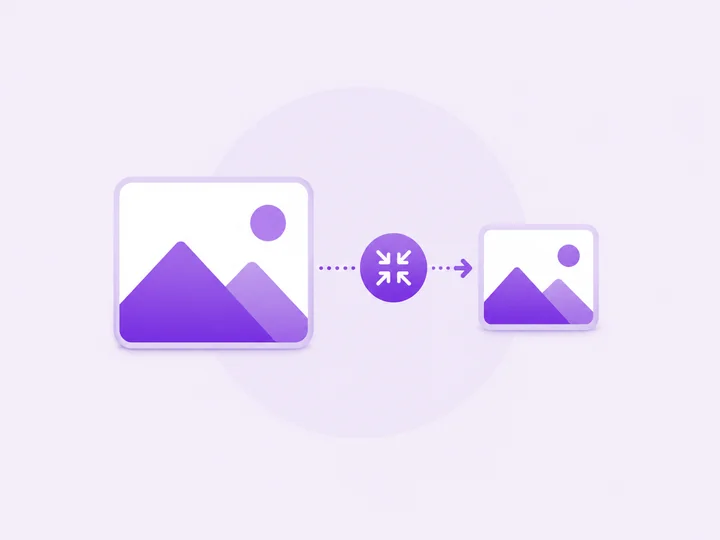
Change the dimensions of your image. Maintain aspect ratio or set exact width and height. All processing in your browser.
Drag & drop an image here, or
Each image keeps its own width and height. Switch between files to set different sizes per image.
Original:
One size applies to every image. Change the values and all files use the same width and height.
Original:
Resizing images...
Resize Complete
How to resize an image
-
Add your image
Drop an image into the box above, or click browse. It stays on your device.
-
Set width and height
Type exact pixels, or keep the aspect-ratio lock on so the image scales proportionally.
-
Resize and download
Click Resize and download the scaled image, ready for upload anywhere.
Resize Image — FAQ
You
How do I keep the proportions correct?
PixelDocs
Leave the aspect-ratio lock on: changing the width updates the height automatically, so circles stay circular and faces never stretch.
You
Does enlarging an image reduce quality?
PixelDocs
Upscaling cannot invent detail, so moderate enlargements look fine but extreme ones soften. Downsizing always stays crisp — resize from the largest original you have.
You
Can I resize for a specific site, like a banner?
PixelDocs
Yes. Type the exact pixel dimensions the site asks for — for example 1920 by 1080 — with the lock off, and the output matches precisely.
You
Are my photos uploaded anywhere?
PixelDocs
No. Resizing runs entirely in your browser, so your photos never leave your device — no signup, no watermarks.