Convert Image
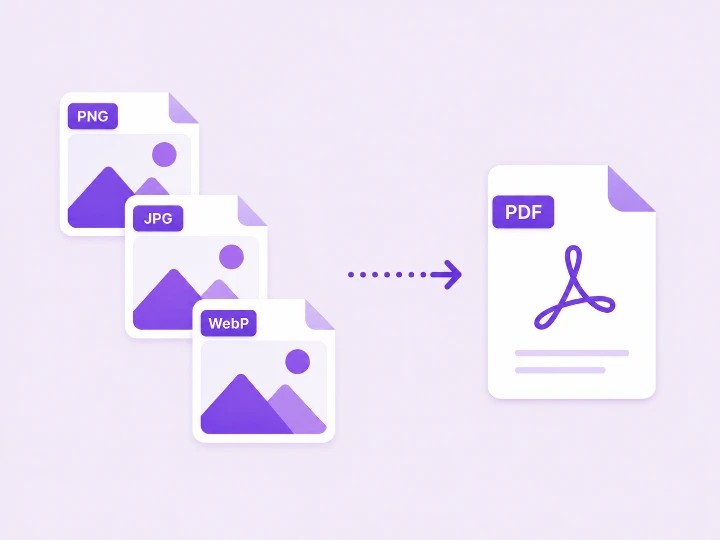
Convert your images between PNG, JPG, and WebP formats. All processing happens in your browser — nothing is uploaded.
Drag & drop images here, or
Supports PNG, JPG, WebP — select several at once
Choose one format — all images will be converted to it.
90%
Set a different format for each image — click a file to adjust.
90%
Converting image...
Conversion Complete
How to convert image format
-
Add your images
Drop one or more images into the box above, or click browse. Files stay on your device.
-
Pick the output format
Choose PNG for lossless quality, JPG for small photos, or WebP for the best of both.
-
Convert and download
Click Convert and download every image in the new format.
Convert Image — FAQ
You
Which format should I convert to?
PixelDocs
Use JPG for photos you email or upload, PNG when you need transparency or pixel-perfect text, and WebP for websites — it is typically 25-35% smaller than JPG at equal quality.
You
Does converting change image quality?
PixelDocs
Converting to PNG or WebP keeps full quality. Converting to JPG applies compression, so keep the quality high and always convert from your original, not from an already-compressed copy.
You
Can I convert many images at once?
PixelDocs
Yes. Drop in a whole batch and convert every file to the target format in a single run.
You
Are my photos uploaded anywhere?
PixelDocs
No. Conversion runs entirely in your browser, so your photos never leave your device — no signup, no watermarks.